
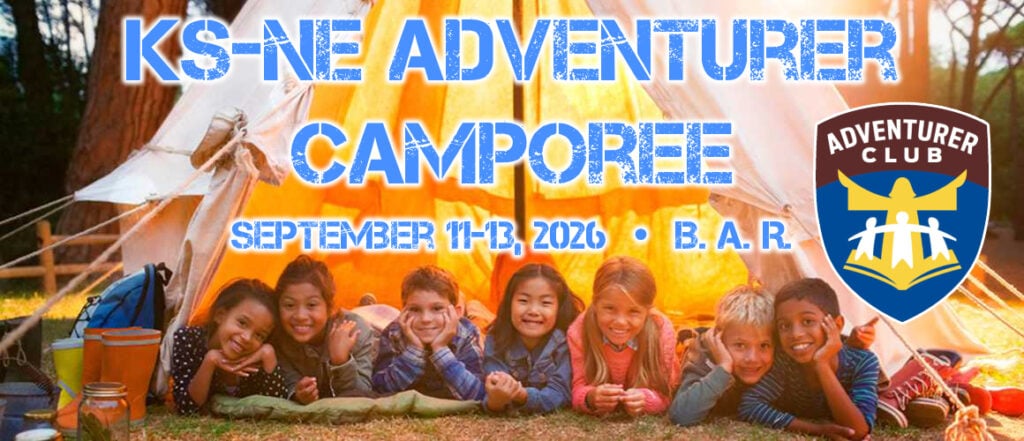
Date:
September 11-13, 2026
Location:
Broken Arrow Ranch
1950 Sagebrush Rd
Olsburg, KS 66520
 Registration Cost:
$ 30 Now – August 31, 2026
$ 35 September 1 – September 5, 2026
Expand for Map and Directions
Registration Instructions
How to Register for an Event
Follow the steps below to register participants for an event through nadyouth.com.
Step 1: Sign In
Log in to your account at www.nadyouth.com.
Step 2: Open the Event
From the left-hand menu, select Events, then click “C014 – Register” to locate the event you want to register for.
Step 3: Open Participants
On the far right side of the event, click the Participants icon.
Step 4: Begin Registration
In the upper-right corner, click the Register button.
Step 5: Select Participants
Place a check mark next to each individual you want to register.
Note:
Some members may appear under a different tab. If a participant is listed under Ineligible Members, see Common Reasons a Member Appears Under the Ineligible Members Tab for more information.
Step 6: Complete Payment
- Click the Payment button.
- Click Generate.
- A PayPal payment window will open.
Important:
A PayPal account is not required. Simply scroll down and select Pay with Debit or Credit Card to complete your payment without signing in to PayPal.
Step 7: View Your Receipt or Complete a Pending Payment
To view your receipt:
- Return to Events → “C014 – Register.”
- Click the green dollar ($) icon.
- Click the magnifying glass icon to view your receipt.
To complete a pending payment:
If your registration has not expired, return to the Payments section and click the Link icon. This will redirect you to the payment window so you can finish your payment.
Instrucciones de Inscripción
Cómo inscribirse en un evento
Siga los pasos a continuación para inscribir participantes en un evento a través de nadyouth.com.
Paso 1: Inicie sesión
Inicie sesión en su cuenta en www.nadyouth.com.
Paso 2: Abra el evento
En el menú del lado izquierdo, seleccione Eventos y luego haga clic en “C014 – Register” para localizar el evento en el que desea inscribirse.
Paso 3: Abra la sección de Participantes
En el extremo derecho del evento, haga clic en el ícono de Participantes.
Paso 4: Comience la inscripción
En la esquina superior derecha, haga clic en el botón Register.
Paso 5: Seleccione los participantes
Marque la casilla junto a cada persona que desea inscribir.
Nota:
Algunos miembros pueden aparecer en una pestaña diferente. Si un participante aparece en la pestaña Ineligible Members, consulte Razones comunes por las que un miembro aparece en la pestaña Ineligible Members para obtener más información.
Paso 6: Complete el pago
- Haga clic en el botón Payment.
- Haga clic en Generate.
- Se abrirá una ventana de pago de PayPal.
Importante:
No es necesario tener una cuenta de PayPal. Simplemente desplácese hacia abajo y seleccione Pay with Debit or Credit Card para completar su pago sin iniciar sesión en PayPal.
Paso 7: Vea su recibo o complete un pago pendiente
Para ver su recibo:
- Regrese a Eventos → “C014 – Register”.
- Haga clic en el ícono verde del signo de dólar ($).
- Haga clic en el ícono de la lupa para ver su recibo.
Para completar un pago pendiente:
Si su inscripción aún no ha vencido, regrese a la sección Payments y haga clic en el ícono Link. Esto lo redirigirá nuevamente a la ventana de pago para que pueda completar su pago.